
Capture and understand it in the browser extension; track your growth on the web dashboard.
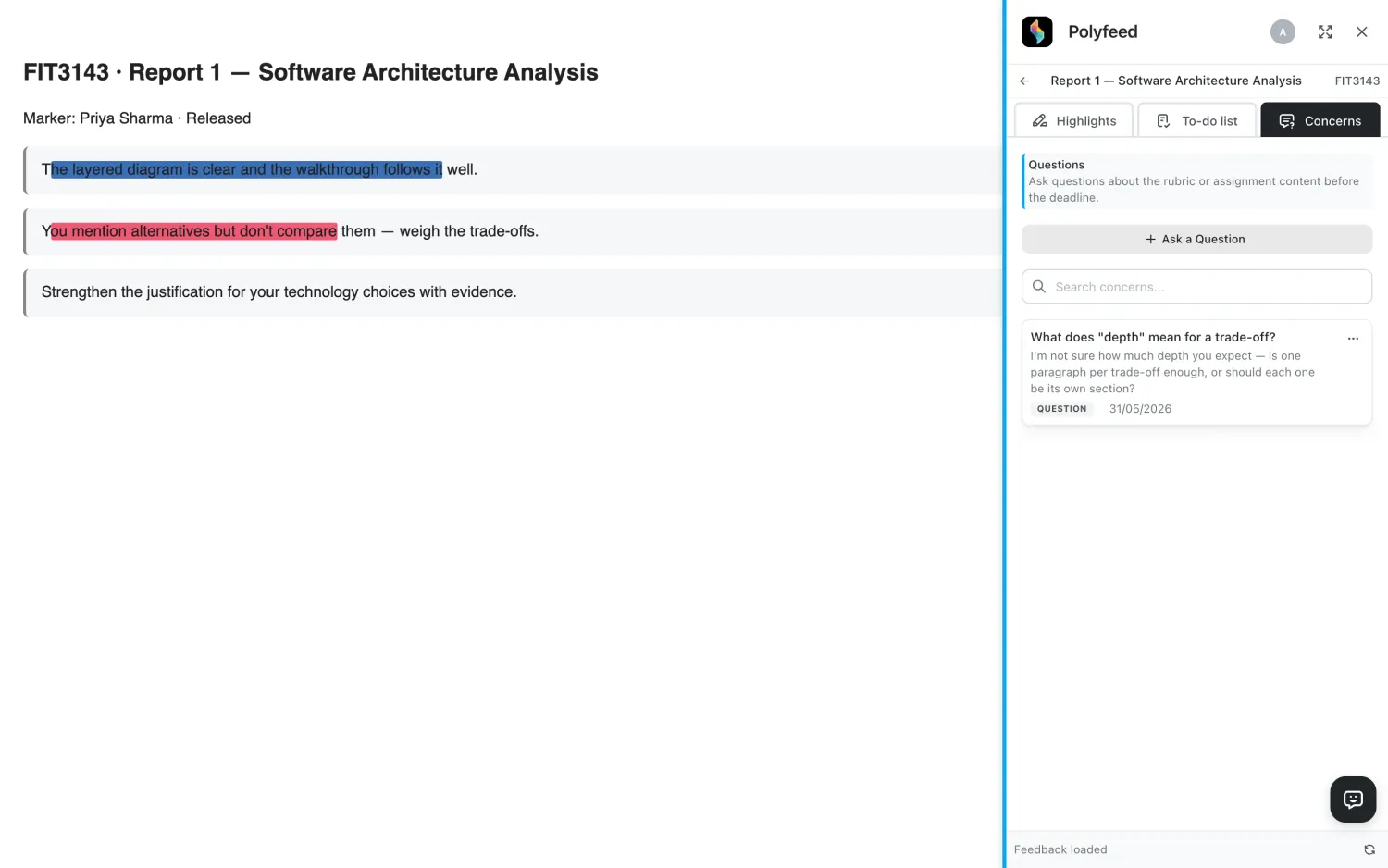
Right on your assignment page — no copy-pasting, no switching tabs.
Highlight feedback and tag it a strength, weakness or suggestion — by hand, or auto-tagged by AI.
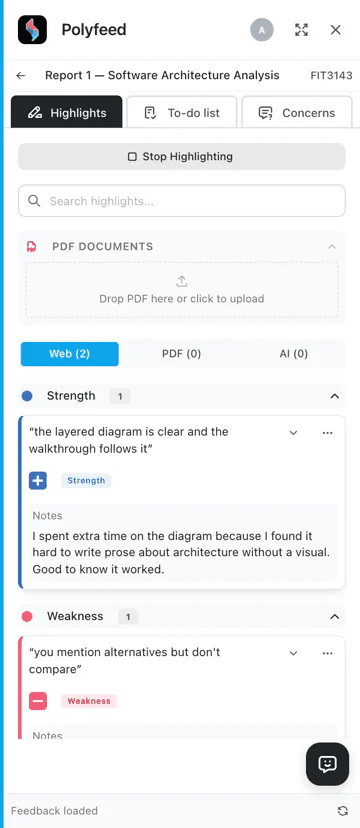
Upload your feedback file and AI tags your tutor's comments as strengths, weaknesses or suggestions — or highlight and tag by hand. Add notes and action items on top.
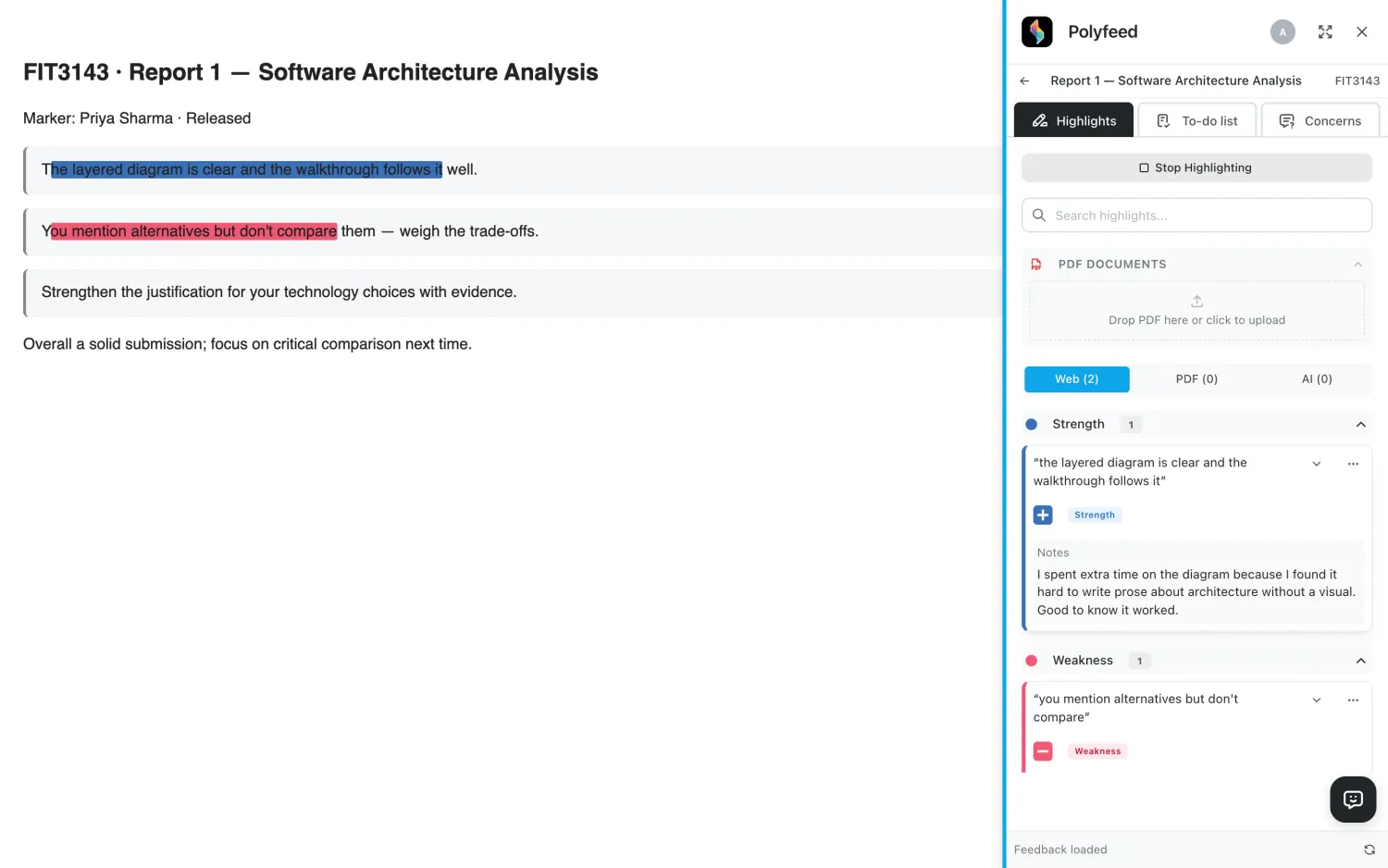
Mention a highlight with @ or an uploaded file with # for context, and the assistant explains the comment in plain English — then suggests your next step.
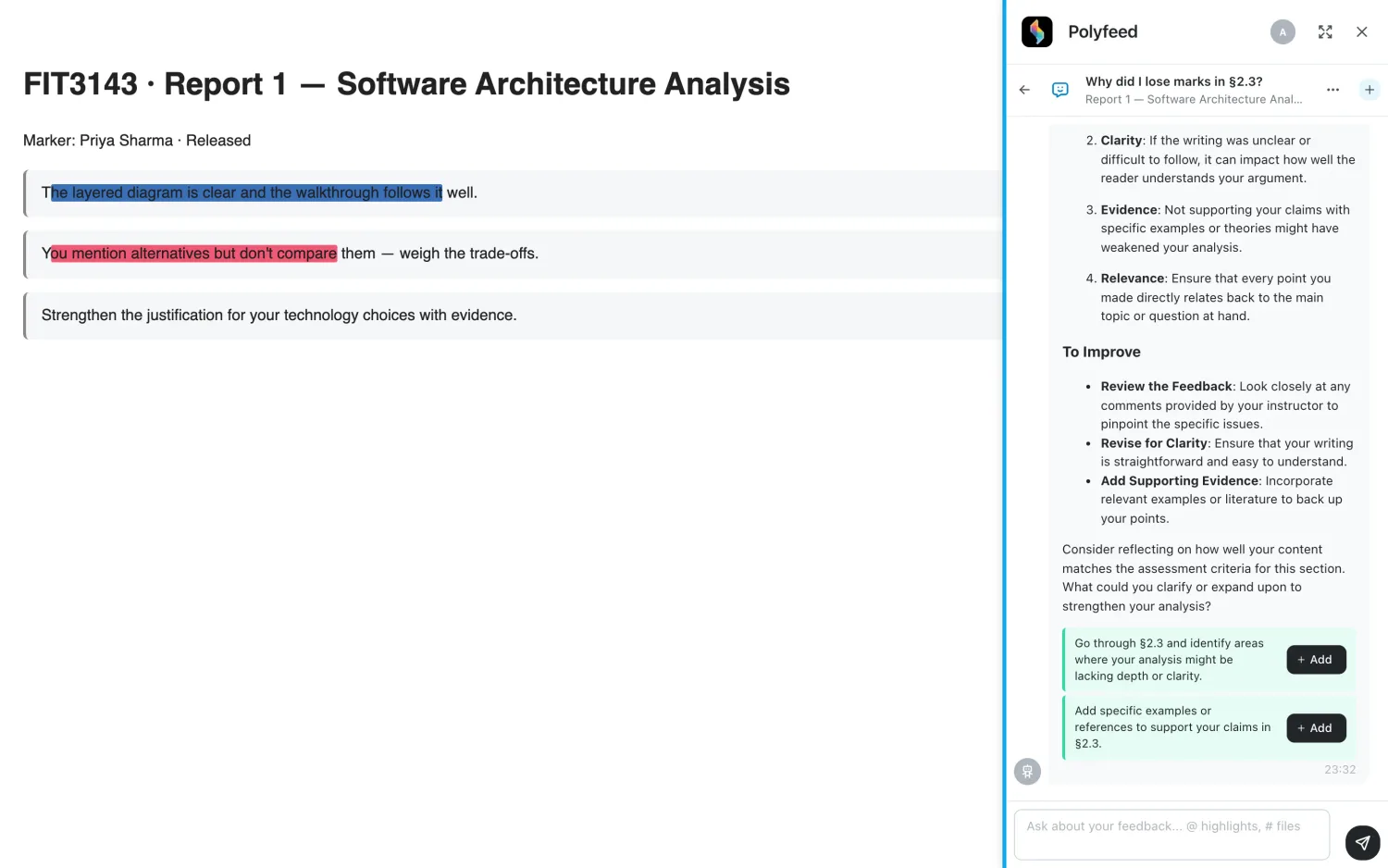
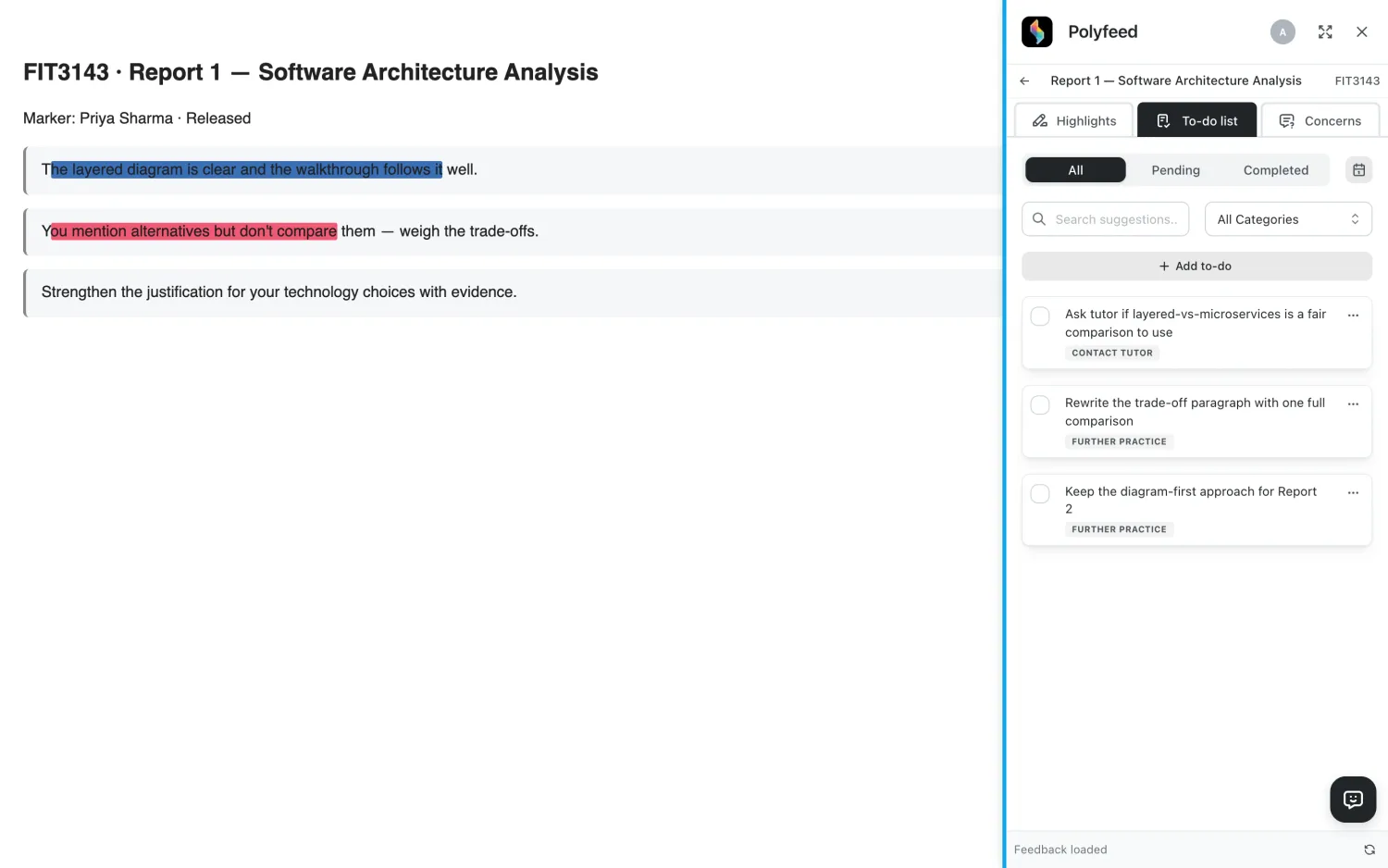
Every highlight becomes a tracked action item with a deadline — pending or completed, all in one place.
Ask your tutor a question about the rubric or your feedback — right where you're reading it.
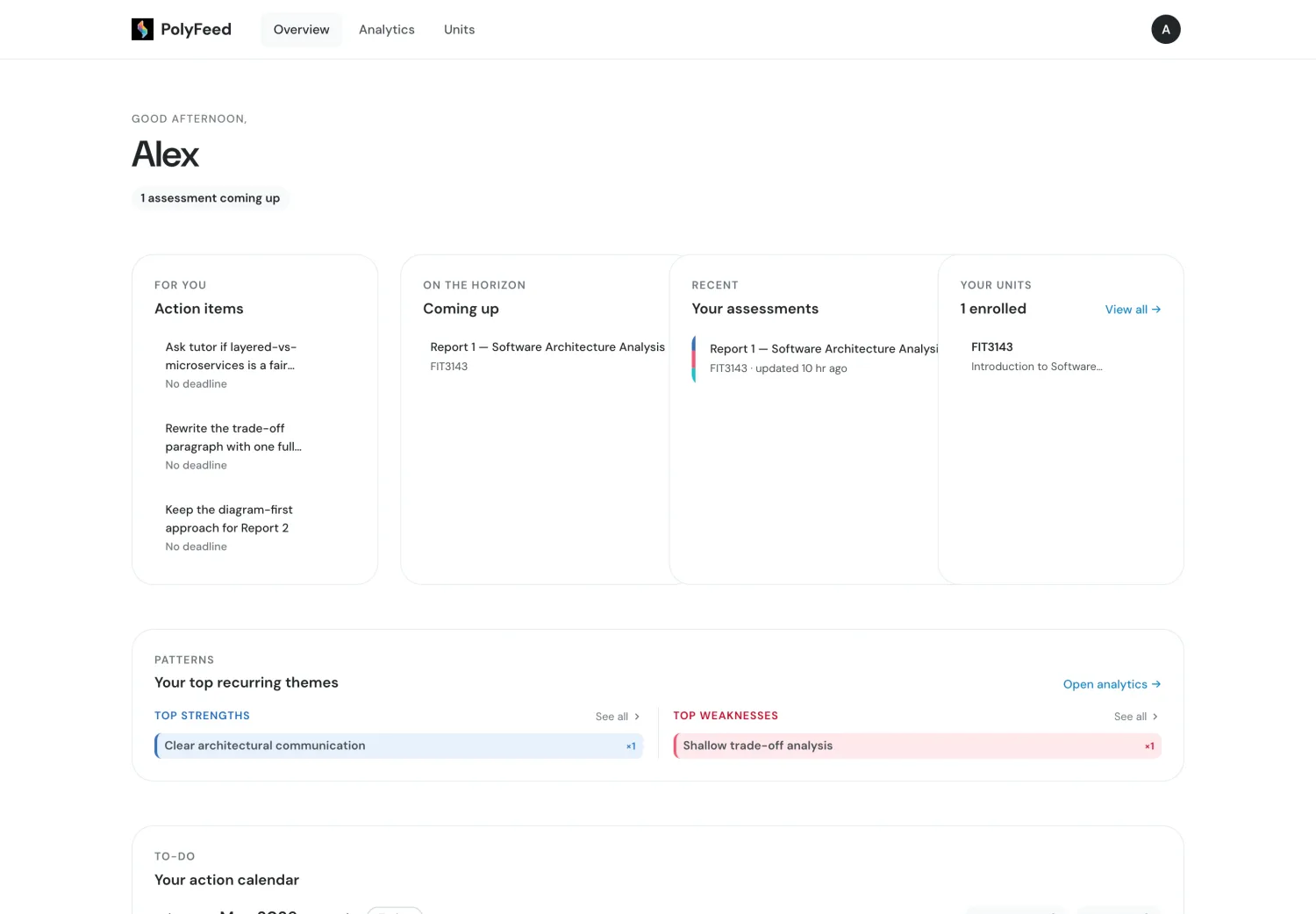
The web dashboard brings every assessment together and shows the bigger picture.
Action items due, recent feedback and your top recurring themes — a quiet home base that tells you what needs attention next.
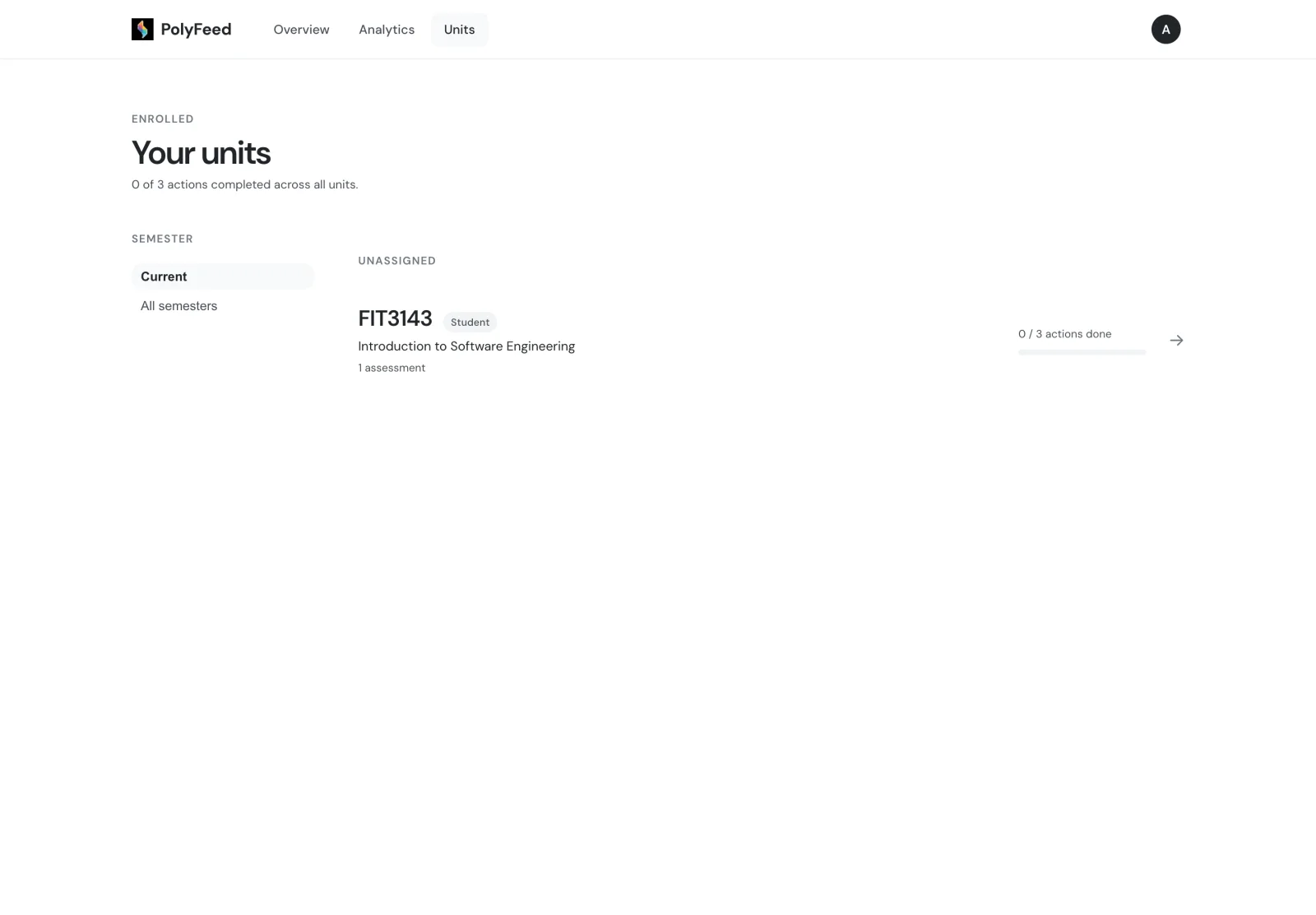
All the units you're enrolled in — jump straight to any assessment's feedback and your progress in it.
Read all your feedback with its highlights, notes and action items in one place — strengths, weaknesses and suggestions colour-coded.
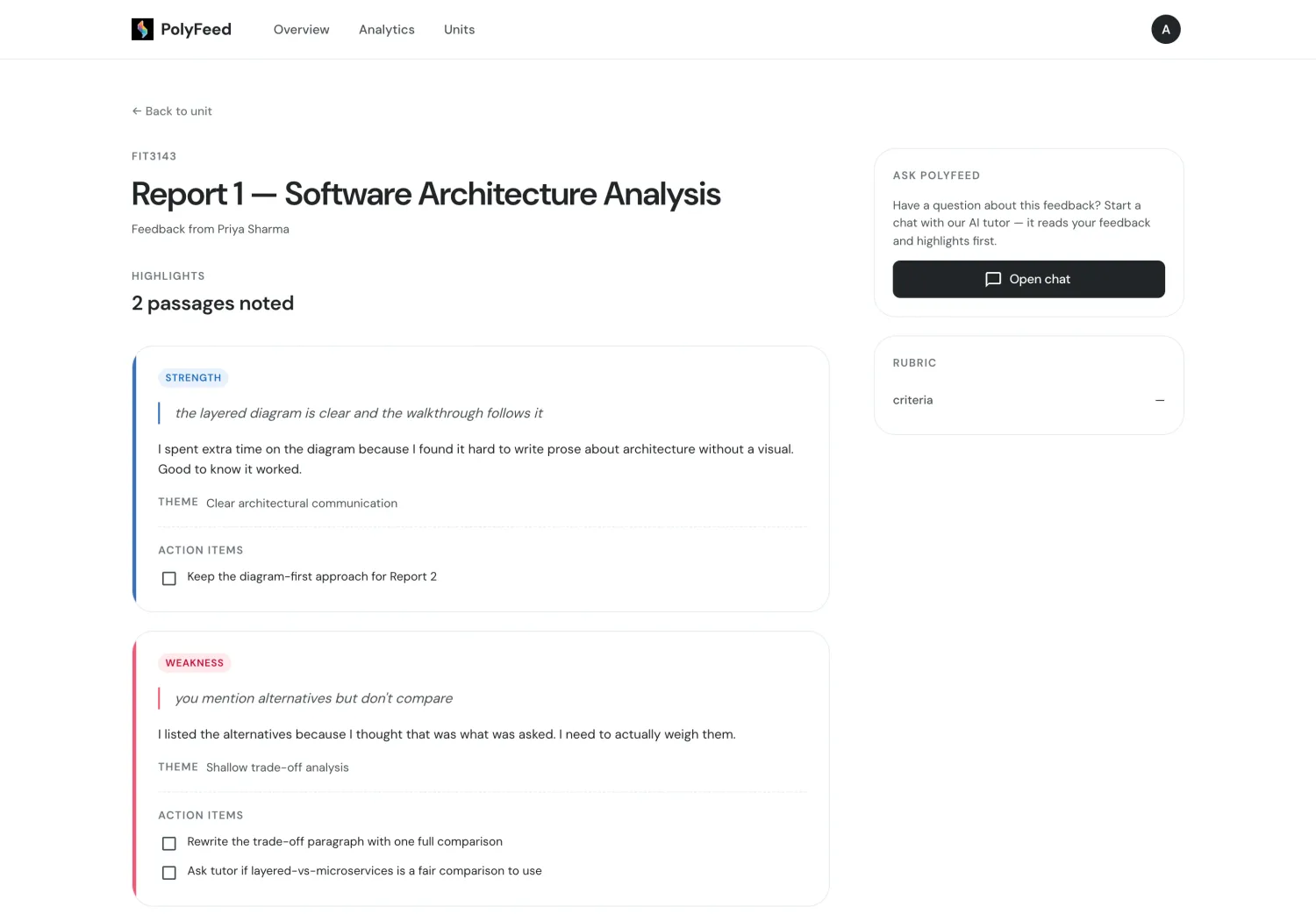
The AI Learning Assistant lives on the dashboard as well — ask anything about your feedback, mention a highlight (@) or file (#), and pick up where you left off.
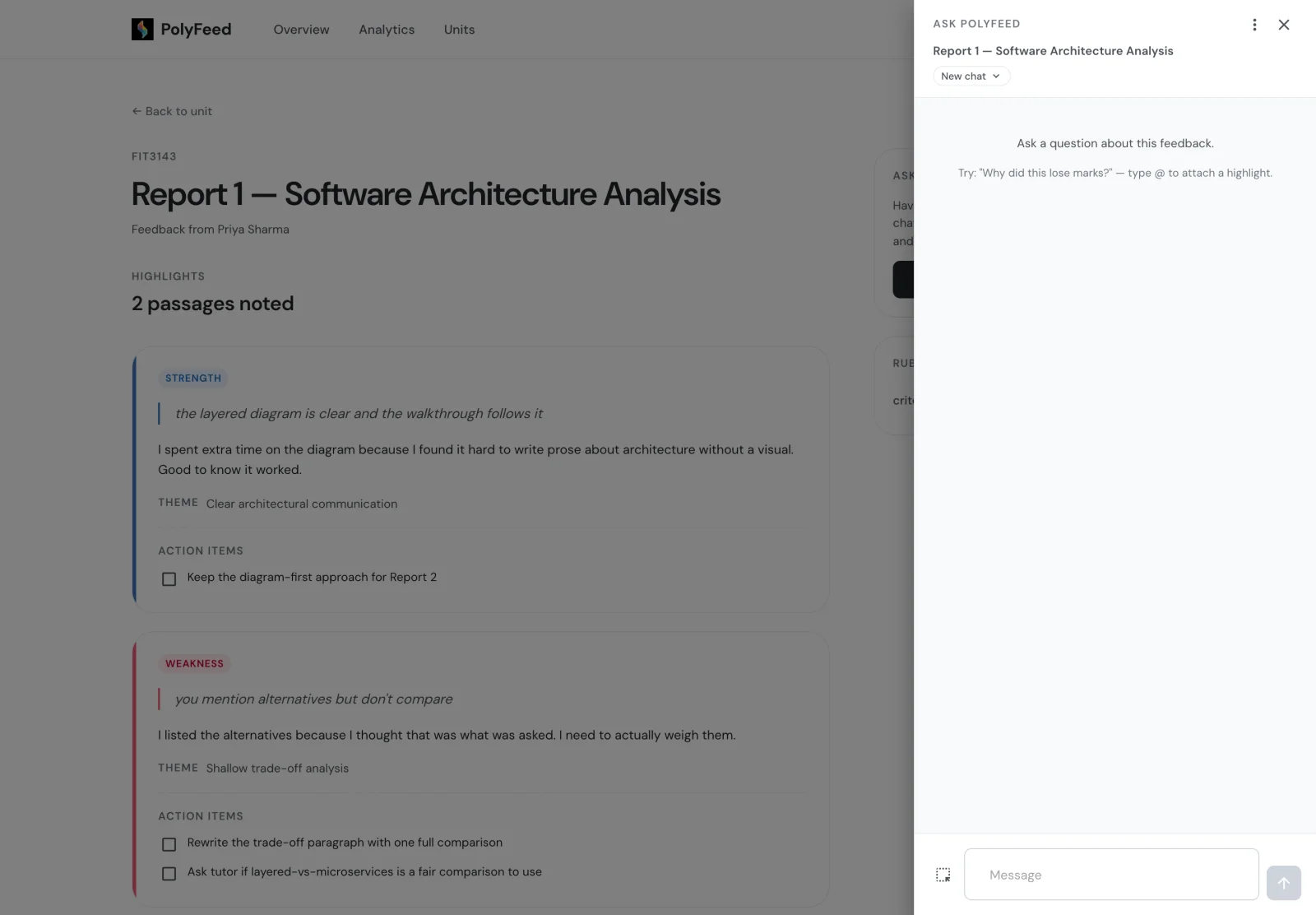
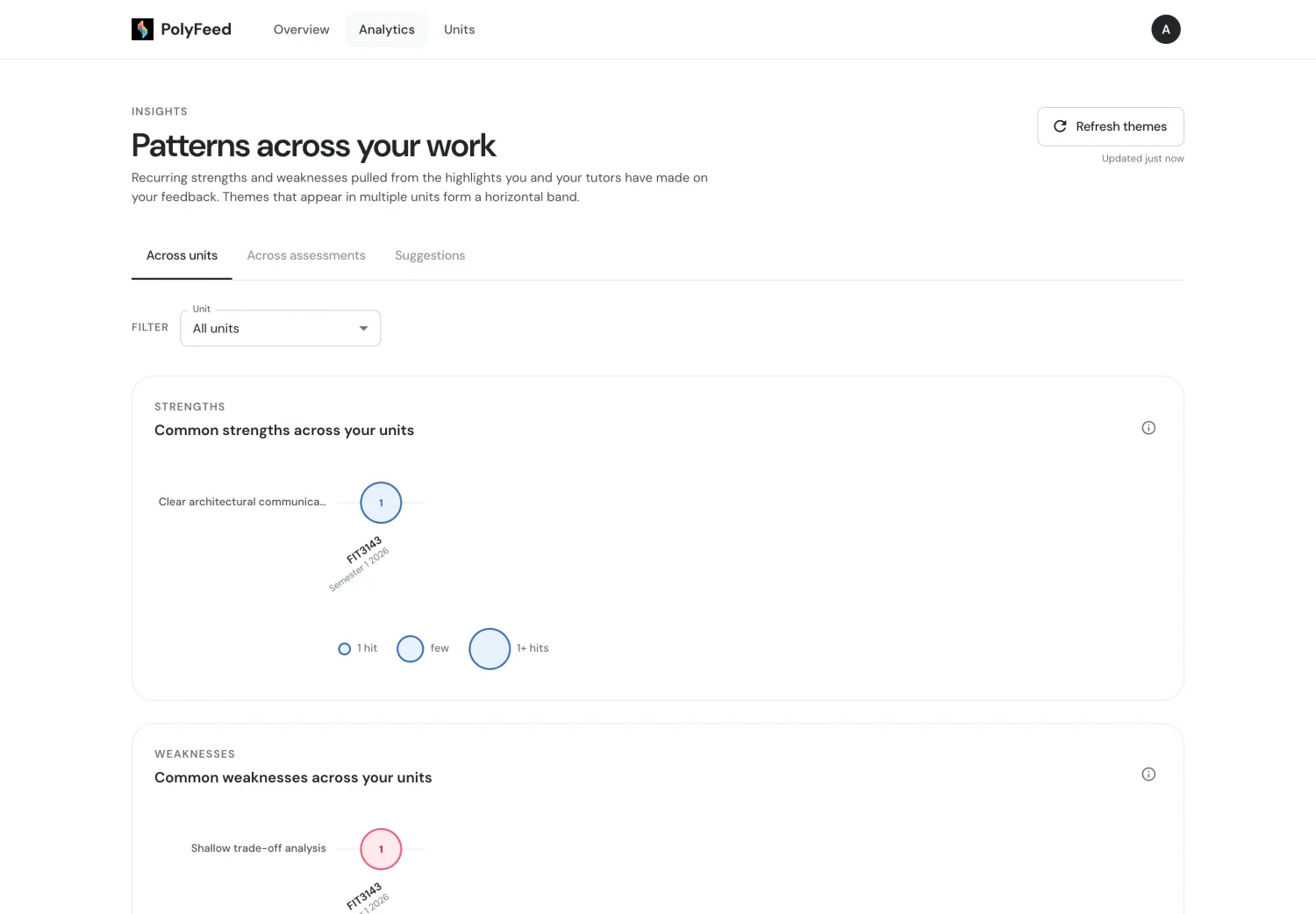
Both you and your tutors see the themes that keep coming up — what you consistently do well, and what to focus on next.
Tell us how helpful each piece of feedback was across five dimensions — your ratings help tutors improve.
A quick walkthrough of the whole flow — from highlighting feedback to acting on it.
Head over to the teacher side, or explore the research behind PolyFeed.